
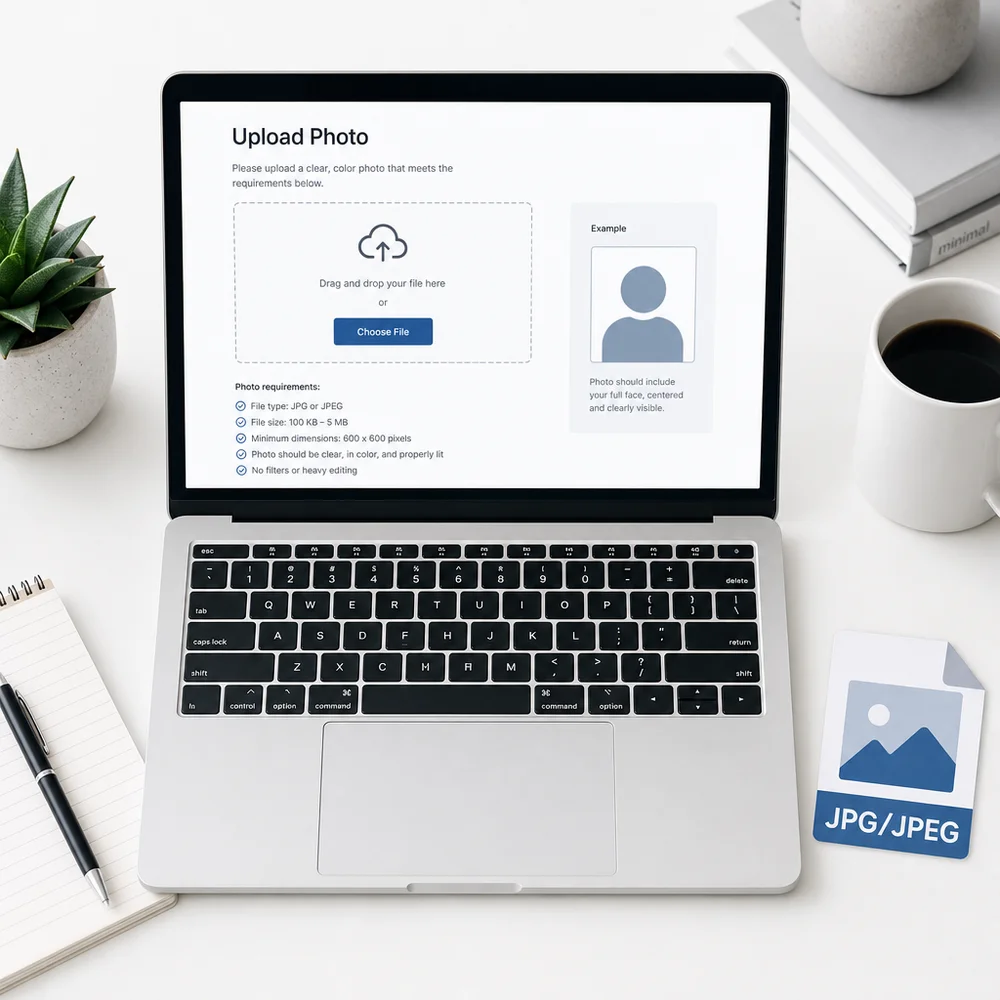
The US online passport renewal system accepts applications from eligible adults, and the digital photo upload has stricter technical requirements than a paper application. This guide covers every spec you need so your photo isn't flagged during the upload process.
Primary source: Uploading a Digital Photo on travel.state.gov. Content rules still follow the main Passport Photos page.
Need the photo itself? Make a compliant US passport photo online — preview free, then get a clean JPEG ready for digital upload.
Who Can Renew a Passport Online?
The online renewal system is open to US citizens who meet all of the following:
- Have a previous US passport issued when you were 16 or older
- Your most recent passport was issued less than 15 years ago
- Your name has not changed, or you have a court order / marriage certificate documenting the change
- Your previous passport is not reported lost, stolen, or damaged
If you qualify, you apply through the State Department's online renewal portal and upload a digital photo — no paper forms, no in-person visit required.
Digital Passport Photo Specifications (Quick Reference)
| Spec | Requirement |
|---|---|
| File format | JPEG / JPG preferred (portal also lists PNG, HEIC, HEIF) |
| Dimensions | 600×600 px minimum — 1200×1200 px maximum |
| File size | 54 KB minimum — 10 MB maximum |
| Shape | Square (1:1 aspect ratio) |
| Color space | sRGB |
| Photo type | Original digital photo — not a scan |
| Editing | No filters, retouching, or AI manipulation |
| Background | Plain white or off-white |
| Head size | Face occupying roughly 70–80% of height |
| Expression | Neutral or natural smile, both eyes open |
| Glasses | Not allowed |
File Format
Per the State Department’s digital upload guide, accepted file types include JPG, JPEG, PNG, HEIC, and HEIF. A square JPEG is still the safest default for uploads and drugstore printing.
Notes on formats:
- JPEG / JPG — best default; works for online renewal and 4×6 print sheets
- HEIC / HEIF — often the iPhone default; the portal lists these as accepted, but converting to JPEG avoids edge-case upload failures
- PNG — listed as accepted for upload; still convert to JPEG if you also need drugstore prints
- TIFF, WebP, PDF — not accepted
How to convert to JPEG on iPhone
- Go to Settings → Camera → Formats
- Select Most Compatible (shoots JPEG going forward)
Or when sharing an existing HEIC photo:
- Open the photo in the Photos app
- Tap Share → Save to Files
- It will often convert to JPEG automatically
How to convert to JPEG on Android
Most Android phones shoot JPEG by default. If your photo is saved as a different format, use the Google Photos app: open the photo → Share → Save as — it will export as JPEG.
Dimensions: 600×600 to 1200×1200 Pixels
The photo must be square (equal width and height) and fall within these pixel dimensions:
| Limit | Value |
|---|---|
| Minimum | 600 × 600 px |
| Maximum | 1200 × 1200 px |
A 2×2 inch print at 300 DPI equals exactly 600×600 px — which is the minimum. Most modern smartphones shoot at much higher resolution, so size is rarely the problem. The issue is usually aspect ratio (the photo must be square, not rectangular).
Why the portal rejects non-square photos
Passport photos are square (2×2 in = 1:1). A standard smartphone photo is rectangular (typically 4:3 or 16:9). If you upload an uncropped photo, the portal will either reject it or auto-crop in a way that might cut off part of your face.
Best practice: Crop your photo to a square before uploading. Just ID Photo handles this automatically — upload any selfie, get a correctly cropped 2×2 JPEG.
File Size: 54 KB to 10 MB
The file must be between 54 KB and 10 MB:
- Too small (under 54 KB): the photo is likely too low resolution
- Too large (over 10 MB): compress or re-export at slightly lower JPEG quality
A correctly sized 600×600 px JPEG at standard quality is typically 60–150 KB. A 1200×1200 px JPEG is usually 200–500 KB. Both fall well within the 10 MB limit.
If your file is too large (e.g., a high-resolution RAW converted to JPEG), re-export at 85–90% JPEG quality. The image will look identical but the file size will be smaller.
What "Original Digital Photo" Means
The portal explicitly requires an original digital photograph, not:
- A scan of a printed passport photo (from a drugstore or previous application)
- A screenshot of a photo displayed on another screen
- A photo of a photo
This matters because scanning introduces compression artifacts and often changes color accuracy in ways the system flags. Always start with the original file from your camera or phone.
Never take a photo of your printed passport and upload that — even if it looks fine on screen, it will be rejected.
Photo Content Requirements (Same as Physical Photos)
The digital photo must meet all the same content rules as a printed passport photo:
Background
- Plain white or off-white — no patterns, textures, shadows, or gradients
- No objects or people in the background
- See passport photo background requirements for DIY setup
Head size and position
- Head centered in the frame
- Head height (chin to top of head): 1–1⅜ inches (25–35 mm) when printed at 2×2 in
- For digital: your face should occupy approximately 70–80% of the image height
- No tilting, no three-quarter angle, camera at eye level
Expression
- Neutral expression or natural, relaxed smile
- Both eyes fully open and clearly visible
- Mouth closed or very slightly open in a natural expression
No glasses
Since 2016, glasses are not permitted — no prescription glasses, no tinted lenses, no clear frames. See full passport photo requirements.
Recency
The photo must have been taken within the last 6 months.
Common Digital Upload Errors and Fixes
| Error message | Likely cause | Fix |
|---|---|---|
| "File format not supported" | Uploaded HEIC, PNG, or other non-JPEG format | Convert to JPEG |
| "Image too small" | Under 600×600 px | Retake at higher resolution |
| "Image too large" | Over 10 MB | Re-export at slightly lower JPEG quality |
| "Photo must be square" | Rectangular (uncropped) photo | Crop to 1:1 before uploading |
| "Face not detected" | Low-contrast photo, bad lighting, or face partially cut off | Retake with better lighting; ensure face fills the frame |
| "Background must be white" | Non-white or shadowed background | Retake against a white wall with good lighting |
| "Photo appears to be edited" | Filters, skin retouching, or AI manipulation detected | Take a plain, unedited photo |
| "Photo is a scan" | Uploaded a scan of a printed photo | Use the original digital file |
How to Prepare the Perfect Digital Passport Photo
Step 1 — Take the photo correctly
Use a smartphone rear camera. Turn off Portrait Mode, disable beauty/smooth filters, and have someone else take the photo so you're not holding the phone. Stand against a plain white wall with even lighting.
Full selfie guide: how to take a compliant passport photo at home.
Step 2 — Get the correct crop and format
Upload your selfie to Just ID Photo and select US Passport (2×2). The tool:
- Crops to the correct 2×2 square
- Processes the background to white
- Exports a JPEG that meets the 600×600 px minimum and sRGB color requirements
- Preview is free before you pay
Step 3 — Check before uploading
Before uploading to the passport portal:
- File format: JPEG ✓
- File size: 54 KB–10 MB ✓
- Dimensions: 600×600 to 1200×1200 ✓
- Square crop ✓
- No filters or edits ✓
- White background ✓
- No glasses ✓
- Taken within last 6 months ✓
Paper Applications vs. Online Renewal: Photo Differences
| Aspect | Paper application (DS-11 / DS-82) | Online renewal |
|---|---|---|
| Format | Printed on matte or glossy photo paper | JPEG digital file |
| Size (physical) | 2×2 inches | N/A (digital upload) |
| Size (digital) | N/A | 600–1200 px square |
| File size | N/A | 54 KB – 10 MB |
| Copies | Typically 1–2 prints | 1 digital upload |
| Source | Printed photo | Original digital photo, no scans |
Frequently Asked Questions
Can I upload a HEIC file from my iPhone?
Yes — the State Department lists HEIC/HEIF among accepted upload formats. If the portal rejects the file, convert to JPEG first. Go to iPhone Settings → Camera → Formats → Most Compatible to shoot in JPEG going forward.
Can I crop the photo on my phone before uploading?
Yes — but crop to a square (1:1) without cutting the head or adding padding. The safest approach is to use a dedicated tool like Just ID Photo that ensures the correct square crop and head size.
Does the photo need to be exactly 600×600 or can it be larger?
It can be any square size between 600×600 and 1200×1200. Larger is fine as long as it is within the maximum. 600×600 is the minimum, not a required exact size.
Can I use a photo I already have on file?
Yes, as long as it was taken within the last 6 months, meets all content requirements, and is an original digital file (not a scan). Photos that pass the content check but are more than 6 months old will still be rejected.
What if I used Portrait Mode on my iPhone?
Portrait Mode applies background blur and skin smoothing that the system can flag as editing. Turn off Portrait Mode and retake the photo in standard Photo mode.
Can I use a photo from my previous passport application?
Only if it was taken within the last 6 months. In almost all renewal cases the previous passport photo is several years old and will be rejected for recency.
Does the online renewal system check the photo automatically?
Yes. The portal uses automated checks for format, dimensions, file size, and basic content compliance (face detection, background, glasses). Photos that fail automated checks are returned before the application is submitted.
What happens if my digital photo is rejected after submission?
You will typically receive a notification asking you to upload a new photo. In some cases, the application is paused until a compliant photo is provided. This delays processing.
Related Guides
- US passport photo requirements (complete checklist)
- US passport photo size (2×2 inches)
- Passport photo white background requirements
- Passport photo requirements for babies & infants
- How to print passport photos at home on 4×6
- Make ID Photo · Photo Sheet Maker