
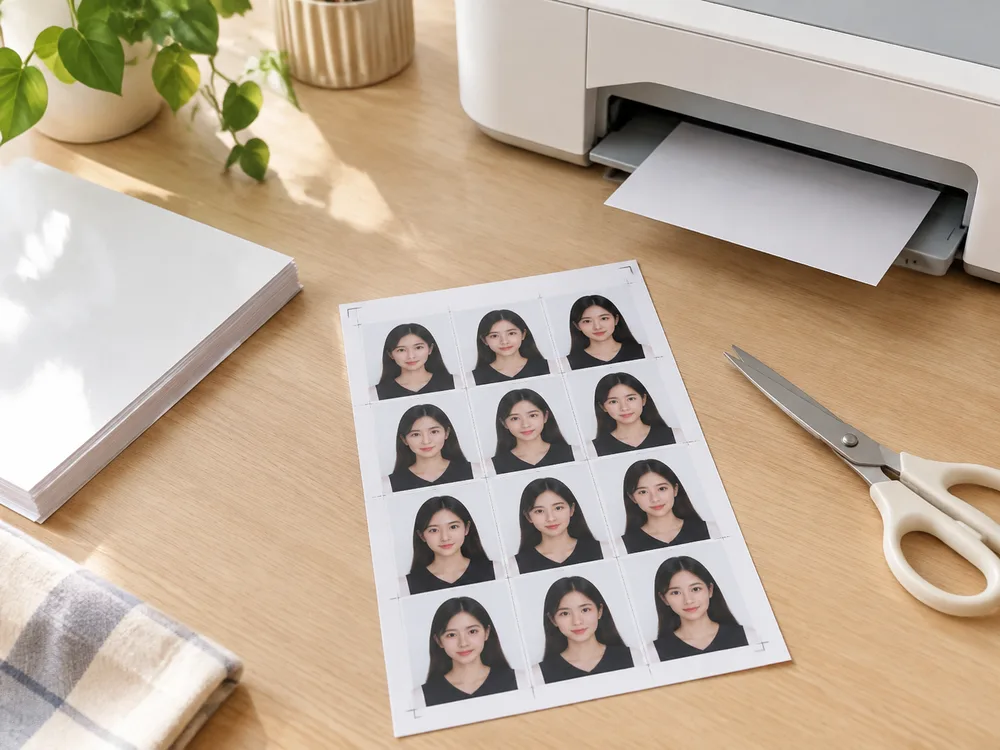
You do not need a drugstore counter photo for most passport renewals. A compliant digital file plus a 4×6 (4R) multi-copy sheet is enough for home printers and photo kiosks — usually for a fraction of the $15–17 counter fee.
What you need
| Item | Notes |
|---|---|
| Compliant single photo | Correct size (e.g. US 2×2, UK/EU 35×45) |
| Print sheet | Multiple copies on 4×6 / 4R (~15.2 × 10.2 cm) |
| Printer or kiosk | Home inkjet or CVS / Walgreens / Walmart / Costco photo |
| Settings | 100% / actual size, no fit-to-page or auto-crop |
Step 1 — Get a compliant photo
From a selfie: use the passport photo maker on the homepage. Preview is free; one unlock includes the clean JPEG and a 4×6 layout.
Already have a cropped passport JPEG? Skip to step 2 and use the free Photo Sheet Maker.
US size details: US passport photo size (2×2). Background tips: white / off-white guide.
Step 2 — Build the 4×6 sheet
- Open Photo Sheet Maker.
- Choose your photo size (US Passport, UK/EU, etc.).
- Choose paper 4×6 / 6 Inch (4R) for most US kiosks.
- Upload the single photo, keep a small gap and cut guides.
- Download the 300 DPI JPEG.
Printing on Letter or A4 at home instead? Pick that paper in the tool — chart here: photo paper sizes explained.
Step 3 — Print without shrinking
Home printer
- Load real 4×6 photo paper (or Letter/A4 if that is what you laid out).
- Print dialog: actual size / 100%, borderless only if your layout expects it.
- Turn off “fit to page,” “scale to fit,” and any “enhance” that crops faces.
Drugstore kiosk
- Choose 4×6 paper.
- Upload the sheet JPEG (not the single photo unless you want one oversized print).
- Disable auto-crop / red-eye / zoom if the kiosk offers them.
- Cut along the guides with scissors.
Cost snapshot
| Option | Typical cost | What you get |
|---|---|---|
| Drugstore counter | ~$15–17 | Staff-taken photos + prints |
| Just ID Photo unlock | See pricing | Digital file + 4×6 sheet |
| Free sheet maker only | $0 | Layout if you already have the photo |
| Kiosk print of your sheet | Usually a few dollars per 4×6 | Physical copies |
FAQ
Can I print UK 35×45 photos on US 4×6 paper?
Yes. Set photo size to UK / EU 35×45 and paper to 4×6 in the sheet maker.
How many copies fit on one sheet?
It depends on photo size and gap. The tool shows the live layout before you download.
Will the size be correct?
Yes if the layout uses real cm/inch sizes and you print at 100%. Wrong paper choice or “fit to page” is the usual failure mode — see the paper size guide.